Key Takeaways
- Microsoft introduces an experimental feature called PC Insights in Windows 11.
- The feature can answer questions about system usage and hardware, but may consume up to 1GB of RAM.
- Users must grant permission for the app to access their system information.
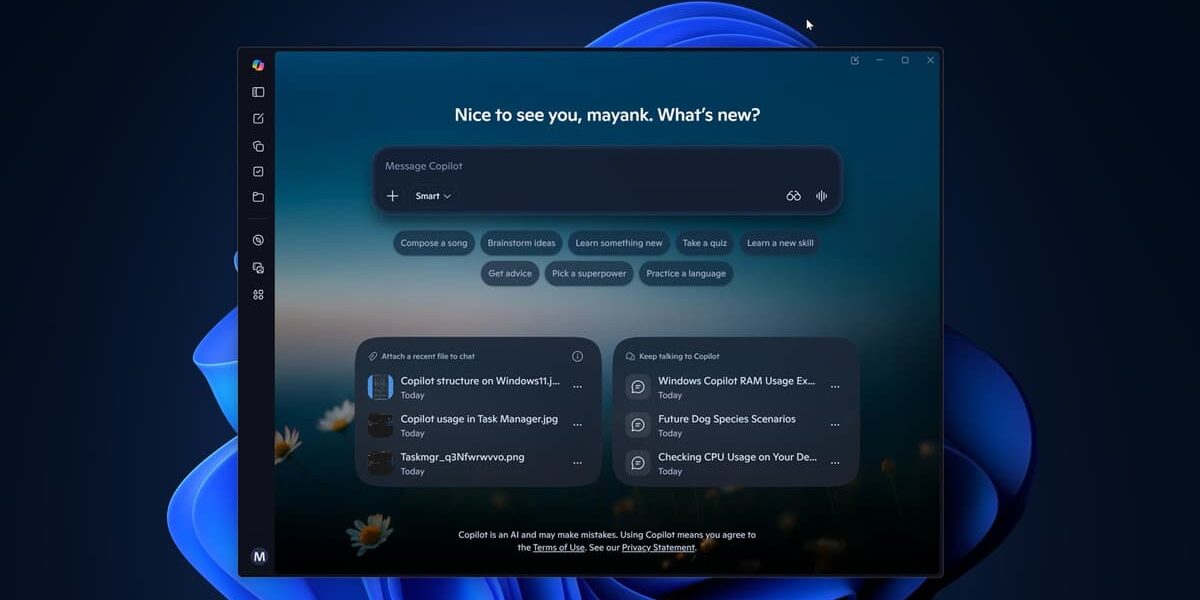
Microsoft has rolled out an experimental feature called PC Insights in Windows 11, designed to provide users with detailed insights into their computer's performance. This tool allows users to ask questions about various aspects of their system, such as current CPU usage and available storage.
According to Microsoft, the feature can access a range of information including total and available storage, battery health, connected devices, and system specifications. It also has the capability to combine local data with online results for more comprehensive answers. For instance, it could compare remaining storage on a PC with the installation requirements of a game.
The feature is currently being rolled out gradually, meaning not all users may have access to it immediately. Microsoft warns that while the tool is experimental, it may occasionally provide incomplete or inaccurate information.
To use PC Insights, users must grant permission for the app to access their system and file information. This permission can be granted on a session basis or permanently approved for similar requests. Users can also remove this permission at any time through privacy settings within Copilot.
While Microsoft assures that personal files are not used for AI training, the feature itself has been observed to consume significant amounts of RAM. Windows Latest reported that after opening the app, it can use up to 800MB and approach 1GB of RAM on a system with 32GB of memory.
Microsoft emphasizes that PC Insights does not continuously monitor the computer in the background and only retrieves information needed to answer specific questions. The company also notes that conversation activity, including prompts and responses, may be used to improve or train AI systems depending on user settings.
Despite its potential benefits, users should be cautious about granting permission for system access. It is recommended to monitor the app's resource usage and adjust privacy settings as needed.