
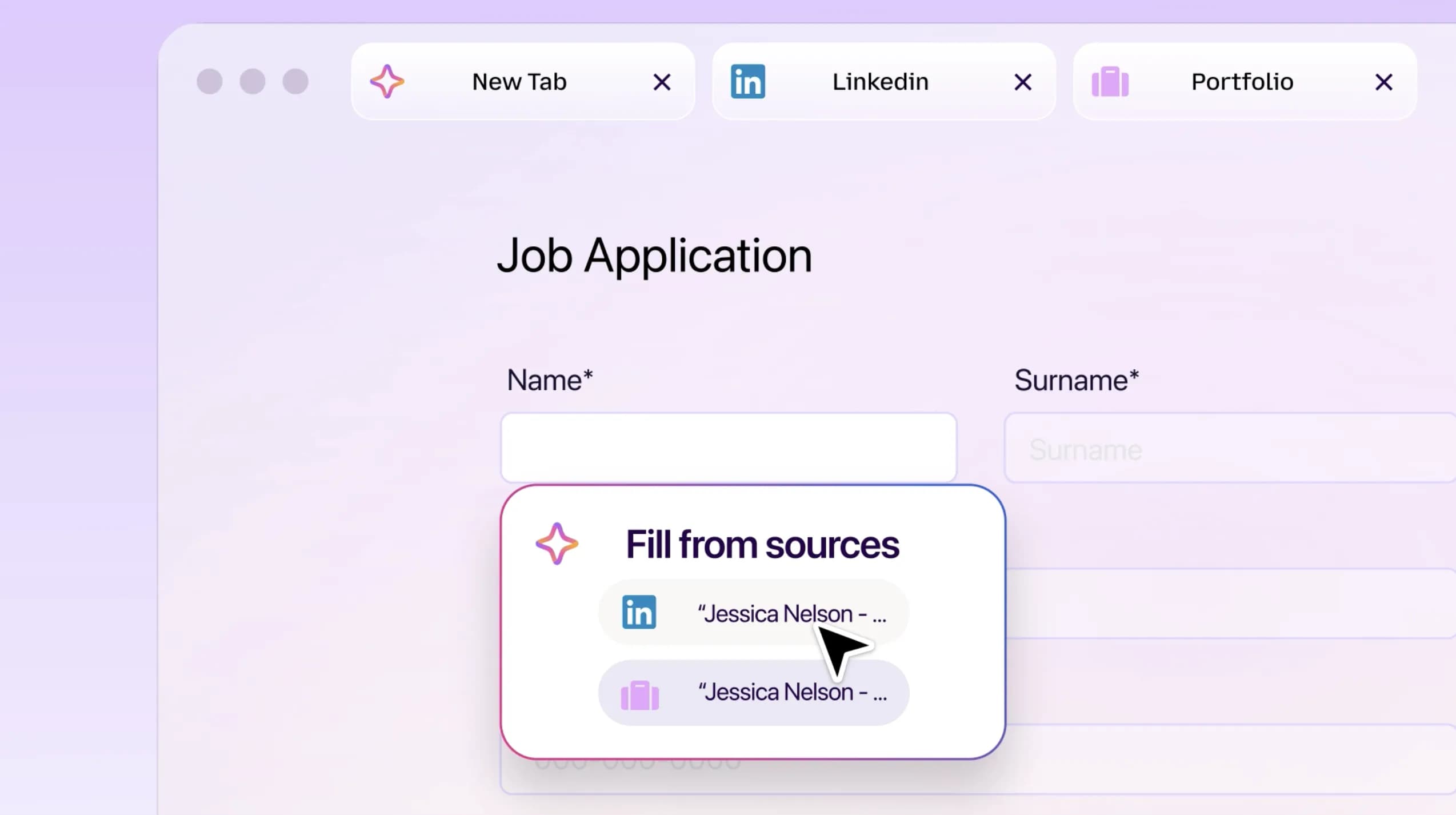
Mozilla is introducing a new capability to Smart Window that automatically populates online forms using information from a user's open tabs. The tool can extract details from a LinkedIn profile or an online portfolio to insert work history into job applications.
To activate the function, users must click into a web form containing at least four text fields. The browser creates these suggestions by analyzing which tabs the user has selected or deselected.
Currently, the system only supports text fields on web forms, though Mozilla is developing support for PDF files and dropdown menus. Data retrieved from source pages is shared with Google’s Gemini 3.1 Flash Lite to power the feature.
Users can also instruct Smart Window to monitor specific webpages for new job listings, sales, or other updates. Setting up a watch task involves typing "/watch" into the Smart Window chat interface.
Firefox performs update checks on a daily or weekly basis while the browser is active. A notification appears on the desktop or via the Tasks button if the browser detects a change.
The browser pauses the monitoring process if no changes occur for 60 days, and it stops watching entirely after 90 days. These features are currently launching in the Smart Window beta for desktop users in Canada and the United States.
Mozilla plans to release the tools in other countries over the next few months.