
Key Takeaways
- NADRA introduces a new facility for reprinting CNICs through the PakID app.
- Citizens can now apply for a replacement from home without visiting a NADRA office.
- The process is completed by following instructions in the PakID app.
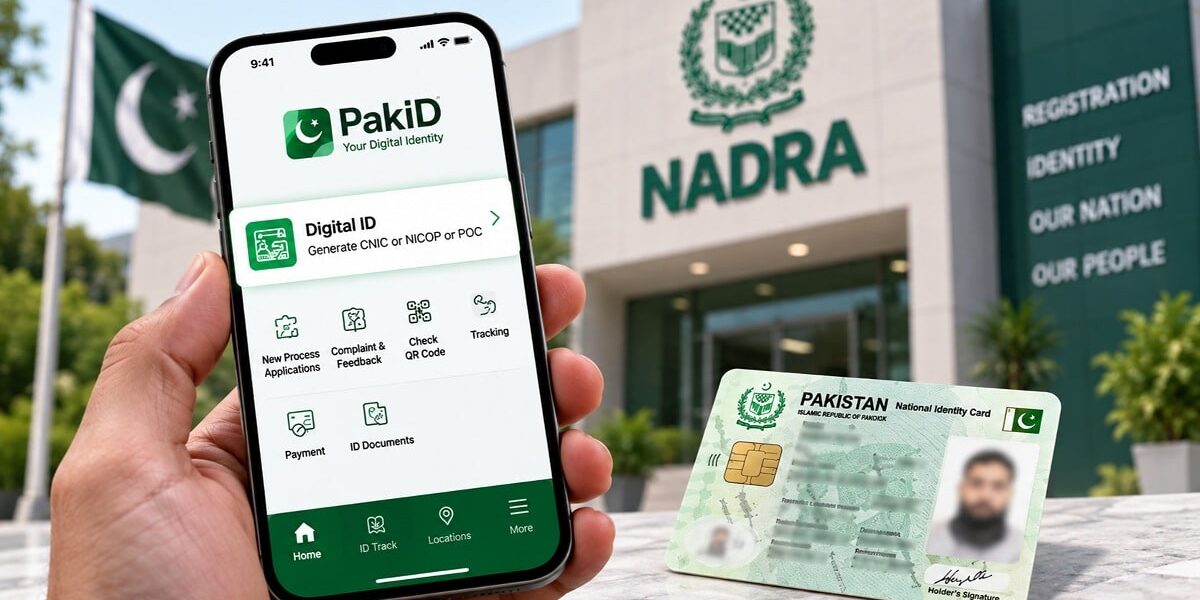
The National Database and Registration Authority (NADRA) has introduced a new feature through the PakID mobile application, allowing citizens to apply for a replacement of their lost or damaged CNICs from home. This initiative aims to make the process more convenient for the public.
To apply for a reprint, users need to open the ‘Identity Documents’ section on the PakID app’s home screen and select ‘Identity Card’. From there, they can choose the ‘Reprint’ option and follow the instructions provided on the platform.
The facility enables citizens to handle the reprint process remotely, leveraging NADRA’s digital identity services. This move is part of NADRA’s ongoing efforts to enhance digital services and improve accessibility for its users.
According to NADRA, the process is straightforward and can be completed by following the instructions displayed in the app. Users can select the applicant and proceed with the necessary steps to request a reprint.
The PakID app, which was launched to provide digital identity services, now includes this new feature, making it easier for citizens to manage their identity documents. This development is particularly useful for those who may find it difficult to visit NADRA offices due to distance or other constraints.
NADRA’s digital services continue to expand, reflecting the organization’s commitment to modernizing its operations and improving service delivery. The introduction of this facility is expected to reduce the burden on NADRA offices and provide a more convenient option for citizens.