Key Takeaways
- Buddy 2.1, an open-source Android app, allows users to run AI models like Claude Code directly on their phones.
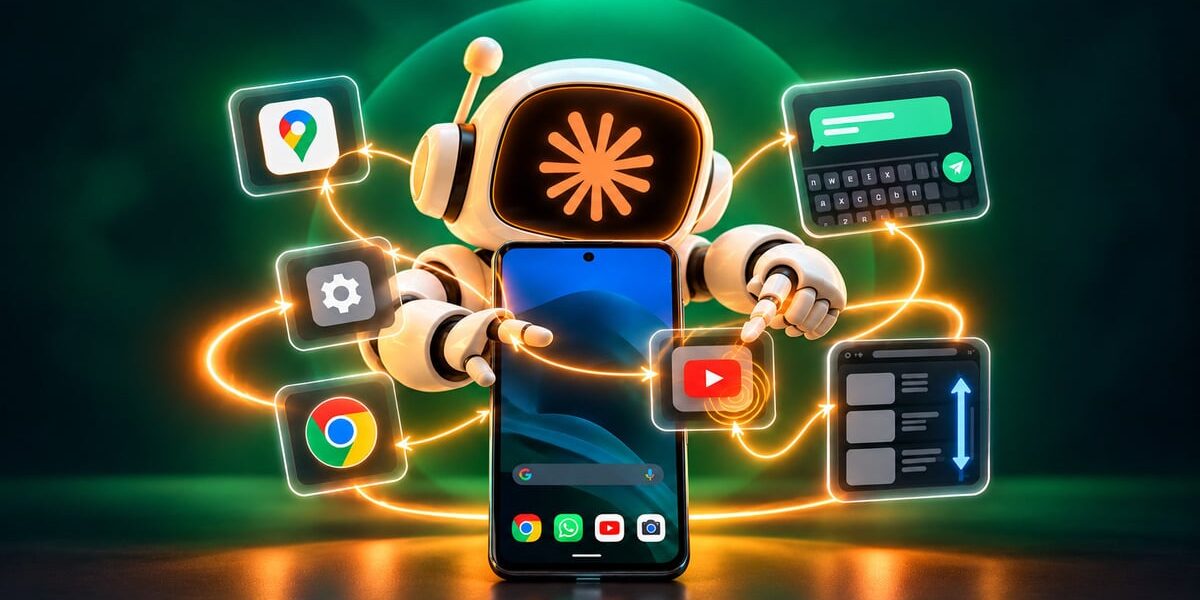
- The app uses Android's accessibility system to control phone functions, including tapping, typing, and scrolling.
- Buddy 2.1 requires a 64-bit phone running Android 11 or newer and is released under the Apache 2.0 license.
An open-source Android app called Buddy 2.1 has been released, enabling users to run AI models such as Claude Code directly on their smartphones. According to the project’s GitHub documentation, the app runs locally inside the Android app apart from requests sent to the selected AI provider.
Buddy 2.1 works through a floating chat bubble and does not require a PC, root access, ADB, or an API key. The app is currently considered early-stage software and has primarily been tested on a OnePlus 12 running Android 16, meaning compatibility and battery-management behavior may differ on other Android devices.

The app uses Android’s accessibility system to expose a set of phone-control tools through a local MCP server. Available actions include reading what is displayed on the screen, tapping and long-pressing, typing text, scrolling and swiping, opening apps and URLs, taking screenshots, and installing APKs.
Sensitive actions, such as sending messages, posting content, buying something, deleting data, or changing settings, require user approval. Version 2.1 also introduces per-app safety levels, with Trust leaving approval decisions largely to the agent, Hard making Buddy itself detect actions such as Send, Pay, and Delete and require user confirmation, and Smart using a separate Claude Code or Codex session to review taps against the user’s original request and current screen.
Importantly, Buddy says agents cannot interact with the app’s own approval cards or settings, preventing them from approving their own actions. The app is released under the Apache 2.0 license and is available free through GitHub Releases. There are no paid Buddy tiers or dedicated Buddy servers.
Claude Code, Codex, or OpenCode can be installed into the app’s environment and run directly on the smartphone. Users can use an existing Claude Pro or Max subscription with Claude Code or a ChatGPT plan with Codex, rather than paying separately for API usage. OpenCode is also supported and can work with free models without requiring an account.
One of the biggest changes since version 1.0 is that Termux is no longer required. Users can now install and sign in to Claude Code, Codex, or OpenCode directly through the app.
The app requires a 64-bit phone running Android 11 or newer. According to the project’s GitHub documentation, everything runs locally inside the Android app apart from requests sent to the selected AI provider.